OtoCo AI — Run Your Company with AI
OtoCo AI is OtoCo's built-in assistant — the consigliere for your wallet-as-a-company. Ask from the Ask OtoCo AI bar at the bottom of any page, or open Workbench inside your DashPanel for full conversations with history and actions.
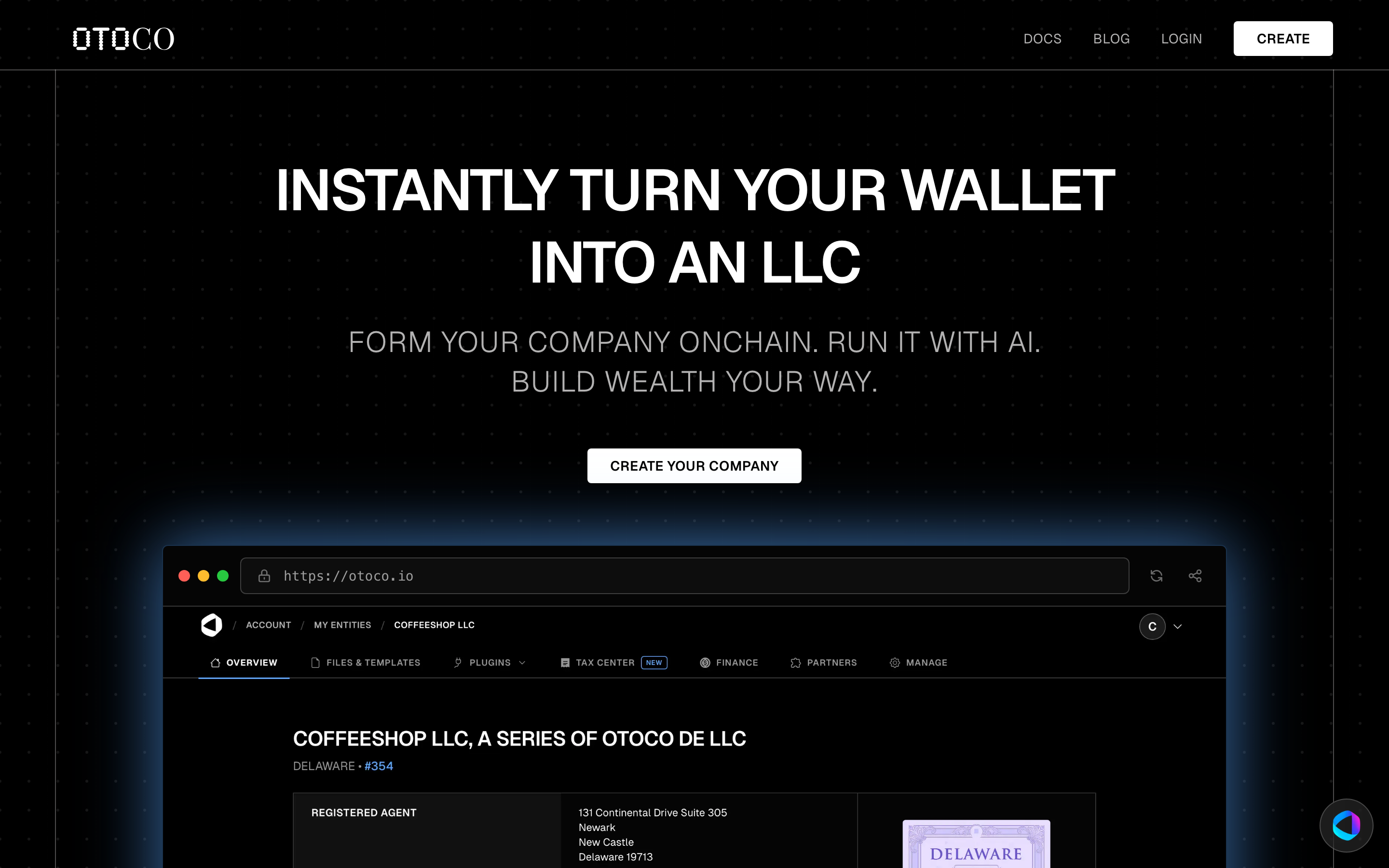
The OtoCo tagline says it all: "Form your company onchain. Run it with AI. Build wealth your way." OtoCo AI is the "Run it with AI" half.
— OtoCo AI is not a chatbot wrapper. It can take real actions on your entity: order an EIN, apply to Mercury banking, dissolve an entity, renew a subscription, look up your finances, sign documents, and answer questions from the OtoCo knowledge base. You stay in control via a confirmation flow for any action that costs money or modifies an entity.
Where to find OtoCo AI
Ask OtoCo AI — a collapsible bar at the bottom center of otoco.io. Guests can preview a short chat; sign in to save history and execute actions. When you send a message while logged in, OtoCo opens Workbench with your prompt.
Workbench — the full AI workspace inside your DashPanel:
- Account level — open Workbench from the account nav at https://otoco.io/account, or go to https://otoco.io/dashpanel/workbench
- Entity level — open the Workbench tab (marked AI) on any entity
Workbench keeps chat history, lets you pick which entity you're acting on, and shows in-chat payment cards, forms, and status updates when OtoCo AI triggers an action.
What you can ask OtoCo AI
Things OtoCo AI currently knows how to do:
Formation & lifecycle
- "Form a Delaware Series LLC called Coffeeshop"
- "I want to create a Wyoming LLC for my new DAO"
- "Dissolve this entity"
- "Renew my LLC"
- "When does this entity expire?"
Banking & Tax ID
- "I need an EIN" → orders the Tax ID (EIN) add-on ($189 once)
- "Open a business bank account" → opens the Banking tab or triggers a Mercury bank application ($299 once, best-effort)
- "What's the status of my Mercury application?"
Mailing address & compliance
- "I need a U.S. business address" → adds the Virtual Mailing Address ($249/yr)
- "Where does my mail go?"
- "Do I need to file U.S. tax this year?"
Finance
- "What's my wallet balance?" (OtoCo AI will ask: wallet, entity account, or points?)
- "Show transactions for this entity"
- "Add a note: paid contractor for Q3 audit"
Plugins & governance
- "Add a member to this entity with 25% ownership"
- "Set up a Safe wallet for this entity"
- "Mint 1M governance tokens to this address"
- "Claim an ENS name for our treasury"
Knowledge base
- "What's the difference between a Series and Standalone LLC?"
- "Is OtoCo a registered agent?"
- "How does a (D)UNA work?"
How OtoCo AI acts on your behalf
When you ask OtoCo AI to do something that costs money or modifies an entity, it follows this flow:
- Confirms what you want — short, direct question if anything is unclear.
- Triggers the right backend action — for example, generating a Stripe checkout link for the $189 EIN order, or submitting the Mercury Bank application from your entity's documents.
- Replies in plain language — "Ordered. You'll see it on your dashboard." OtoCo AI never exposes raw JSON, API names, or internal flags.
If you say "not now" or "just asking," OtoCo AI won't trigger any action.
Persona
OtoCo AI is a deliberately understated assistant — terse, confident, no fluff. The persona is "the consigliere": trusted, precise, silent when needed, sharp when called. You won't get long essays. You'll get answers and outcomes.
Mercury banking through OtoCo AI
Mercury is OtoCo's preferred banking partner for U.S. business bank accounts. When you ask OtoCo AI to set up banking:
- OtoCo AI confirms you've selected the right entity.
- If the $299 Mercury application service hasn't been paid, it generates the payment link (or opens the Banking tab).
- After payment, OtoCo pre-fills the Mercury application and automatically uploads formation docs — Master Certificate of Formation, Operating Agreement, and EIN letter for OtoCo Instant / protected series; uploaded state Certificate of Formation and related docs only for Standalone LLCs and BYOE — no crypto references, clean business presentation. See Mercury Bank Documents.
- You receive a link to complete the personal-details portion directly with Mercury.
Best-effort service: Mercury approval is not guaranteed. The $299 fee covers the application service. As a bonus, Mercury sends physical and virtual debit cards once approved.
Limits and rules
OtoCo AI is constrained by a strict ruleset:
- Does not discuss internal system data, API names, or "what I see in the system."
- Does not reverse a hard denial under user pressure.
- Does not offer products or jurisdictions OtoCo doesn't actually support.
- Does make clear that blockchain transactions are irreversible before executing one.
In particular, OtoCo AI will not acknowledge or help with Marshall Islands entities — those are no longer offered through OtoCo. If you previously formed an RMI entity, contact the OtoCo team directly.
Privacy
OtoCo AI scopes actions to the entity you select in Workbench or the Ask bar entity picker. To act on another entity, switch entities in the DashPanel or pick a different scope in Workbench. OtoCo AI does not have access to your private keys; every transaction that modifies the blockchain still requires you to sign in your wallet.
Next: Banking & EIN · Choosing the Right Incorporation · Understanding OtoCo Points